

Get the Shootout App
A stripped-down, phone-first version of The Shootout Challenge built for players. It installs straight from your browser — there is nothing to download from an app store.
What you can do
- Submit a score with the same official score sheet used at events
- Practice on the interactive shot chart and save your charts
- See the live leaderboard and where you rank in your division
- Track personal bests, accuracy trends and upcoming events
- Ask Rimmy anything, right from your pocket
Add it to your home screen
- Open shootoutchallenge.com/app in Safari (this must be Safari, not Chrome).
- Tap the Share button at the bottom of the screen.
- Scroll down and tap “Add to Home Screen”.
- Tap “Add”. The Shootout icon appears with your other apps.
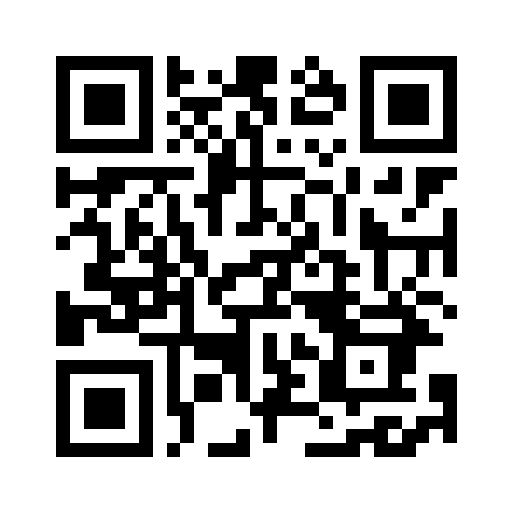
Reading this on a computer?
Point your phone camera at this code to open the app, then follow the steps above.
Once installed, screens you have already opened still load if the gym has bad service. Submitting a score always needs a connection.